From setup to your first reminder
Board setup, network ownership, publishing, SL time, recurring events, manager access and troubleshooting: the guide is available without signing in.
Events Board
Plan your events on the web. Your boards share one schedule, visitors subscribe with a click, and reminders help them make the next gathering.
OBJECTS THAT WORK TOGETHER
Follow the connections between objects. Open each one to understand its role.
Create an event with its artwork, destination and recurrence. Publish it to display it across your network.
Every board format shares one schedule. A notecard can identify the licensed network owner when another avatar owns the board.
Touch an event to subscribe, unsubscribe or open its destination. The subscription is shared and remains valid for future occurrences.
An available board sends reminders to subscribers. Another can take over; shared tracking prevents duplicate sends between boards.
EXPLORE AND GET STARTED
A presentation to share and practical steps to get your network running.
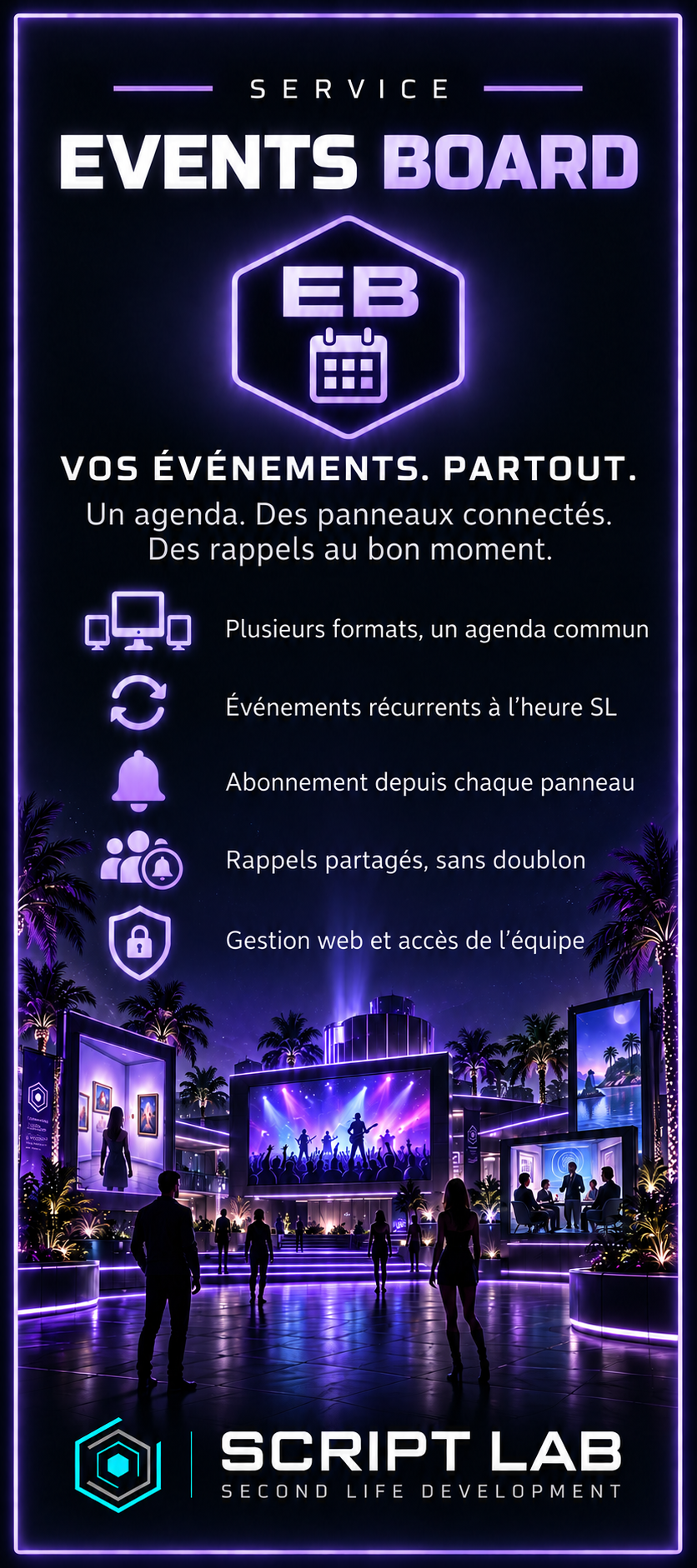
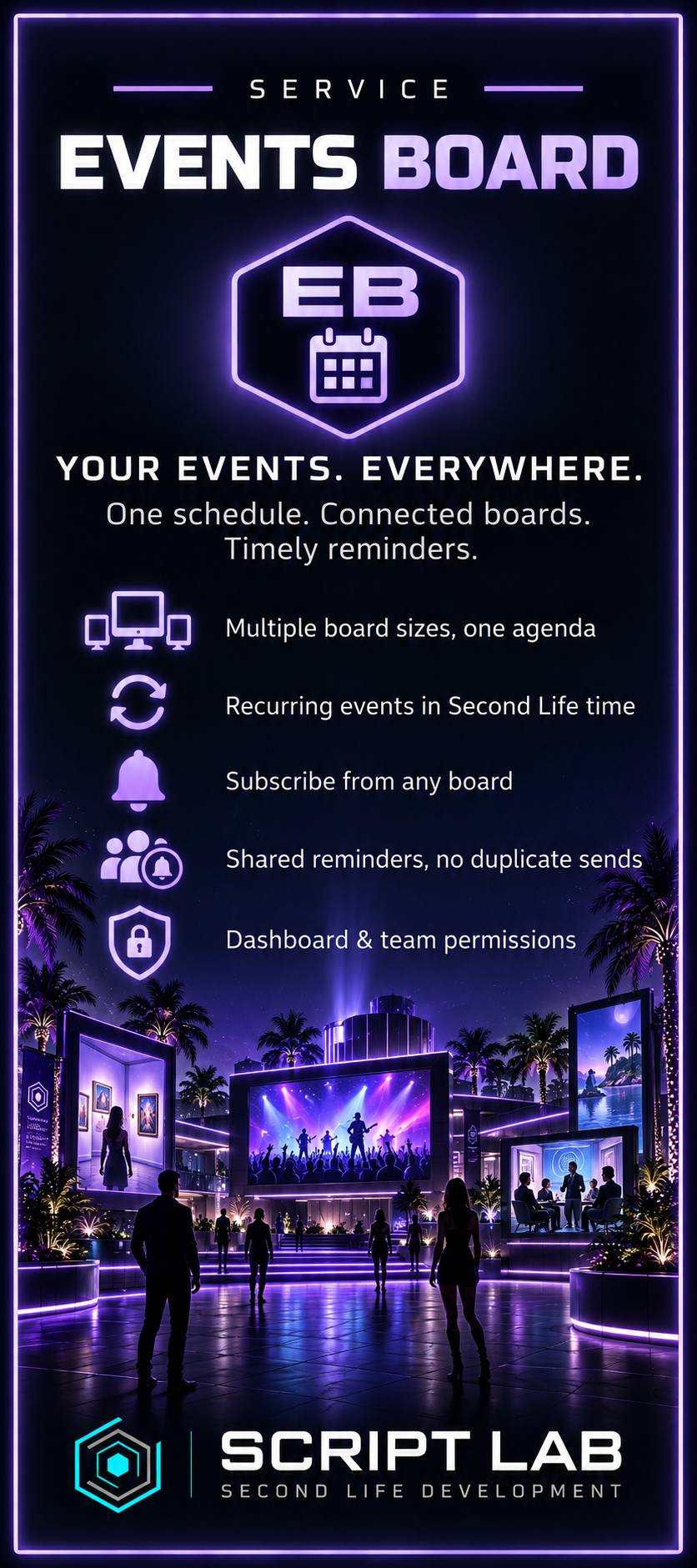 View full-size poster ↗
Board setup, network ownership, publishing, SL time, recurring events, manager access and troubleshooting: the guide is available without signing in.
DAY TO DAY
Available features depend on your plan, permissions and connected objects.
Create events with artwork, a destination, a date and a duration. Network boards automatically pick up your changes.
Browse events, subscribe, unsubscribe and open the map from any board, whatever its display size.
Schedule one-off, weekly, fortnightly or monthly events using Second Life time, including its seasonal clock changes.
Subscriptions follow an event across the network. Reminders are scheduled one hour, thirty minutes, five minutes before the event and at its start. One board sends at a time.
Delegate Events Board management and review your boards, subscribers and reminder history in one workspace.
View the schedule in your HUD and open the dashboard to manage it. Your licence and permissions determine access.
Events Board
Let’s discuss your setup, the objects you need and the right licence.