
1. Visitor (user)
Clicks an ad. Their Second Life account is not charged.
Ads OS
Your advertising network: campaigns, advertising credit, unique clicks and partner earnings. Pay2Visit visit rewards remain separate.

ADS OS
The four roles in Ads OS
Clicks an ad. Their Second Life account is not charged.
Buys ad credit by paying the Deposit. Each eligible unique click reduces the remaining credit.
Places a network Displayer at their venue. They earn the configured share for eligible clicks on their board and can request a withdrawal.
Sets the click price and partner share. They receive top-ups through their Deposit and pay the partner share on withdrawal.
The advertiser pays L$1,000 to the Deposit. After the first eligible L$15 click, their remaining credit is L$985 in both cases below. The network has already received the top-up.
L$8 is added to the partner’s earnings for withdrawal. The network owner keeps L$7 from this click.
The network owner keeps the full L$15 from the click, with no partner share to pay.
This credit can fund 66 clicks. Suppose 40 happen on partner boards and 26 on the network’s own boards. Partners earn L$320 (40 × L$8). The network keeps L$670 (40 × L$7 + 26 × L$15). The advertiser has L$10 of credit left.
The partner share is included in the click price. The network can configure the amounts shown in this example.
An eligible click consumes ad credit and adds the partner share to earnings available for withdrawal. The visitor’s account is not charged for clicking. On Withdraw, a network Deposit sends the L$: its owner’s SL account is charged and the partner’s account is credited. The Displayer requests the withdrawal; it does not pay. The Pay2Visit Wallet is not involved.
This optional reward is for a validated visit at the destination. The Wallet pays from its own owner’s SL account, usually the advertiser’s. The visitor receives the L$. The Wallet budget is an authorised spending limit, not money deposited inside an object. Buying ad credit does not increase this budget.
SCRIPT LAB / The interface in practice
A short introduction, then explore the details at your own pace.
Watch on YouTube ↗Videos are in English. Guides are available in all five website languages.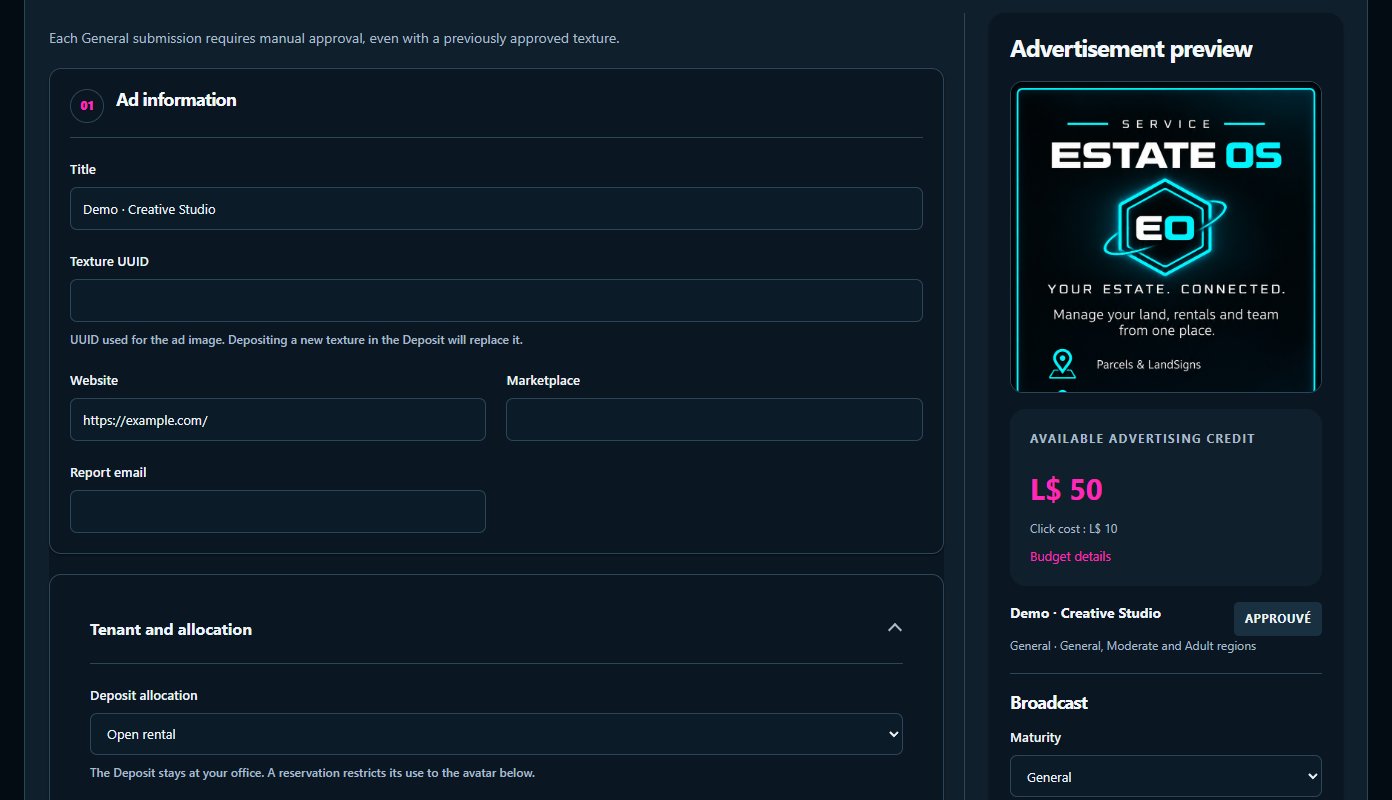
Review its features, included objects and licence terms.
Use your invitation and link your Second Life avatar to the intended account.
Follow the service guide, connect your objects and check their first contact in the dashboard.
OBJECTS THAT WORK TOGETHER
Follow the connections between objects. Open each one to understand its role.
Advertisers add a texture, notecard and landmark. Advertising credit funds eligible unique clicks and partner earnings; Pay2Visit stays separate.
Rotates network ads according to region maturity. A click provides information, requests available content and records a visit intention.
The advertiser links the source, chooses a reward and funds the budget. The Wallet checks the visit before paying.
Manage ads, General or Mature classification, rates and team in Ads OS. View intentions and rewards in Pay2Visit.
Installation and troubleshooting guide →
EXPLORE AND GET STARTED
Practical steps to get your service running.
Object setup, essential functions and troubleshooting: read this service’s guide without signing in.
DAY TO DAY
Available features depend on your plan, permissions and connected objects.
Advertisers add a texture, notecard and landmark. Advertising credit funds eligible unique clicks and partner earnings; Pay2Visit stays separate.
Rotates network ads according to region maturity. A click provides information, requests available content and records a visit intention.
The advertiser links the source, chooses a reward and funds the budget. The Wallet checks the visit before paying.
Manage ads, General or Mature classification, rates and team in Ads OS. View intentions and rewards in Pay2Visit.
The public website, dashboard and HUD are available in French, English, Spanish, German and Turkish. Server-generated replies to users also follow their language. Local SL object menus and texts remain in English.
Ads to review · Payments received · Boosts purchased · Reminder 24 hours before expiry · Expired rentals. Each member chooses their permitted events and their own webhook, shared across their services. The website sends notifications even when the SL bot is offline.
Pricing, duration and included features are listed on each service page.
Terms of sale →Find setup and troubleshooting steps, or contact Script Lab about your setup.
Contact →Each member receives only the access and notifications you allow. Objects’ SL accounts remain separate.
Privacy →Ads OS
Let’s discuss your setup, the objects you need and the right licence.